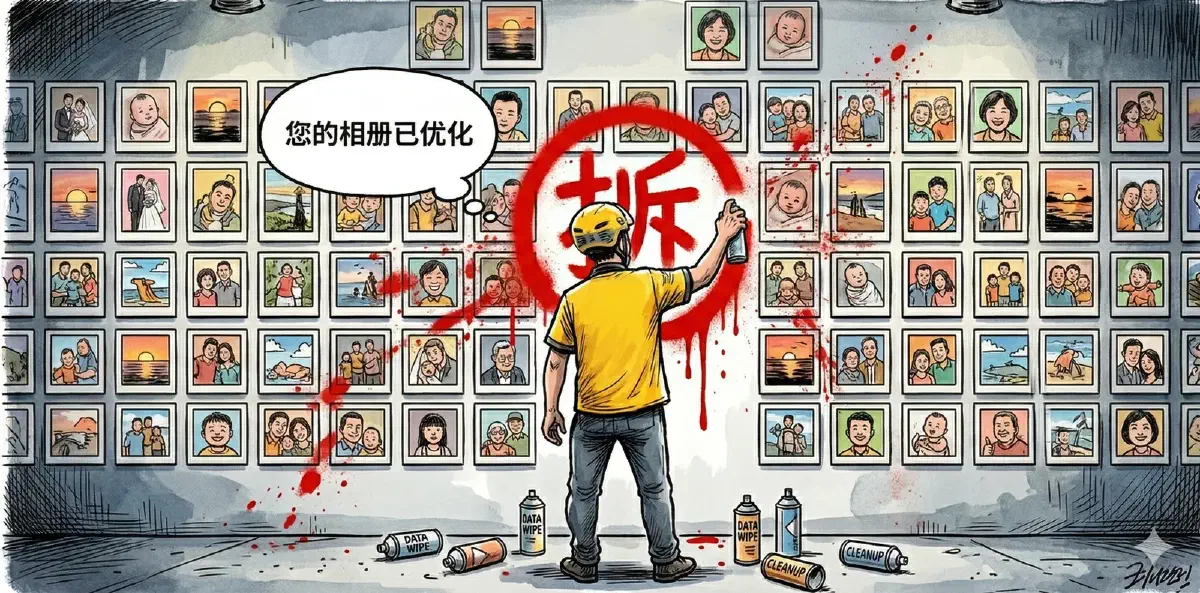

Starting on March 18, 2026, a large number of Android users discovered that Meituan had wiped files from their galleries. Photos, videos, audio recordings, PDFs, Word documents: sometimes hundreds of files, sometimes thousands. Android’s own notification center said it plainly: “Detected that Meituan deleted media files.”
Some users lost 504 GB of data permanently. Some recovered files from the trash, only to see them deleted again a few minutes later.
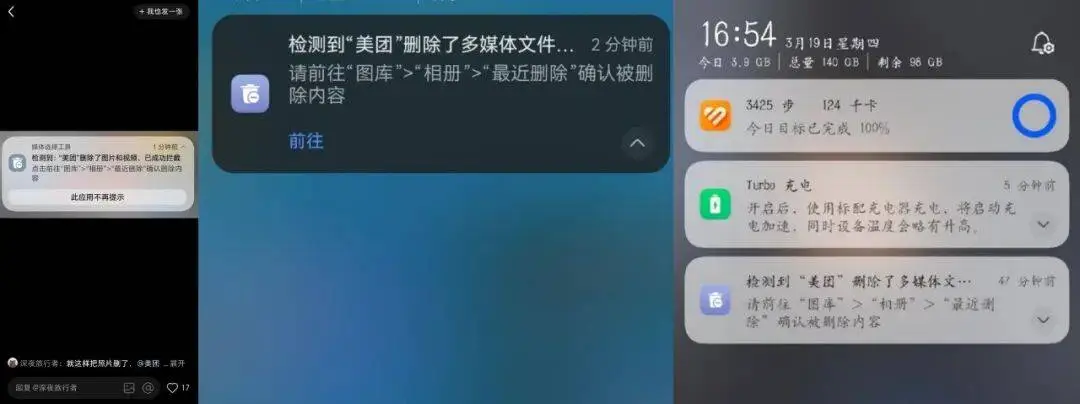
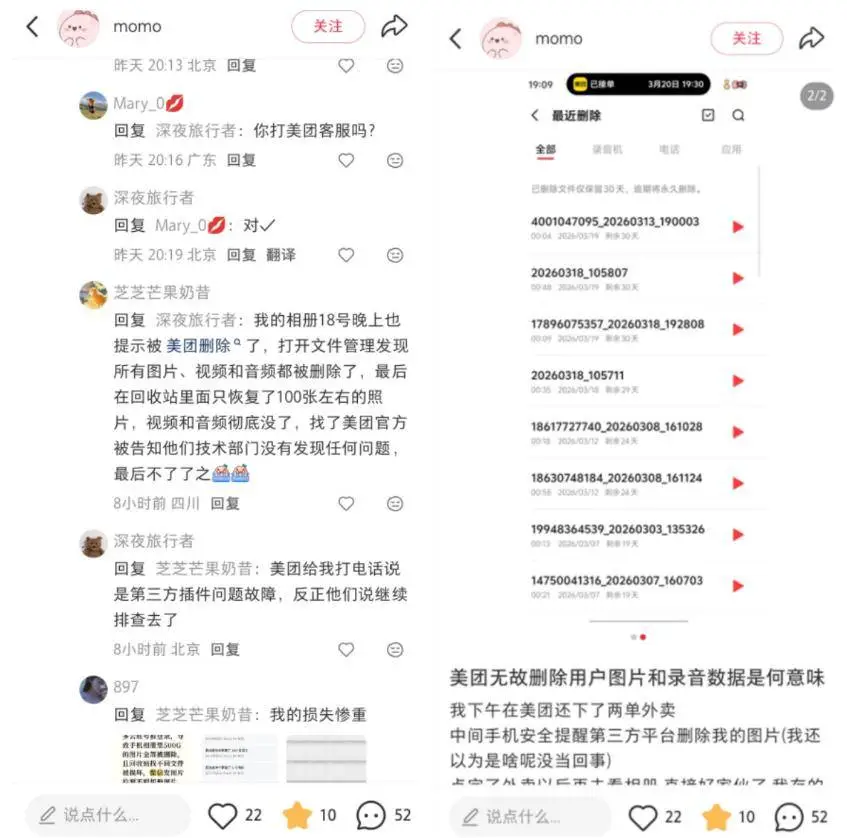
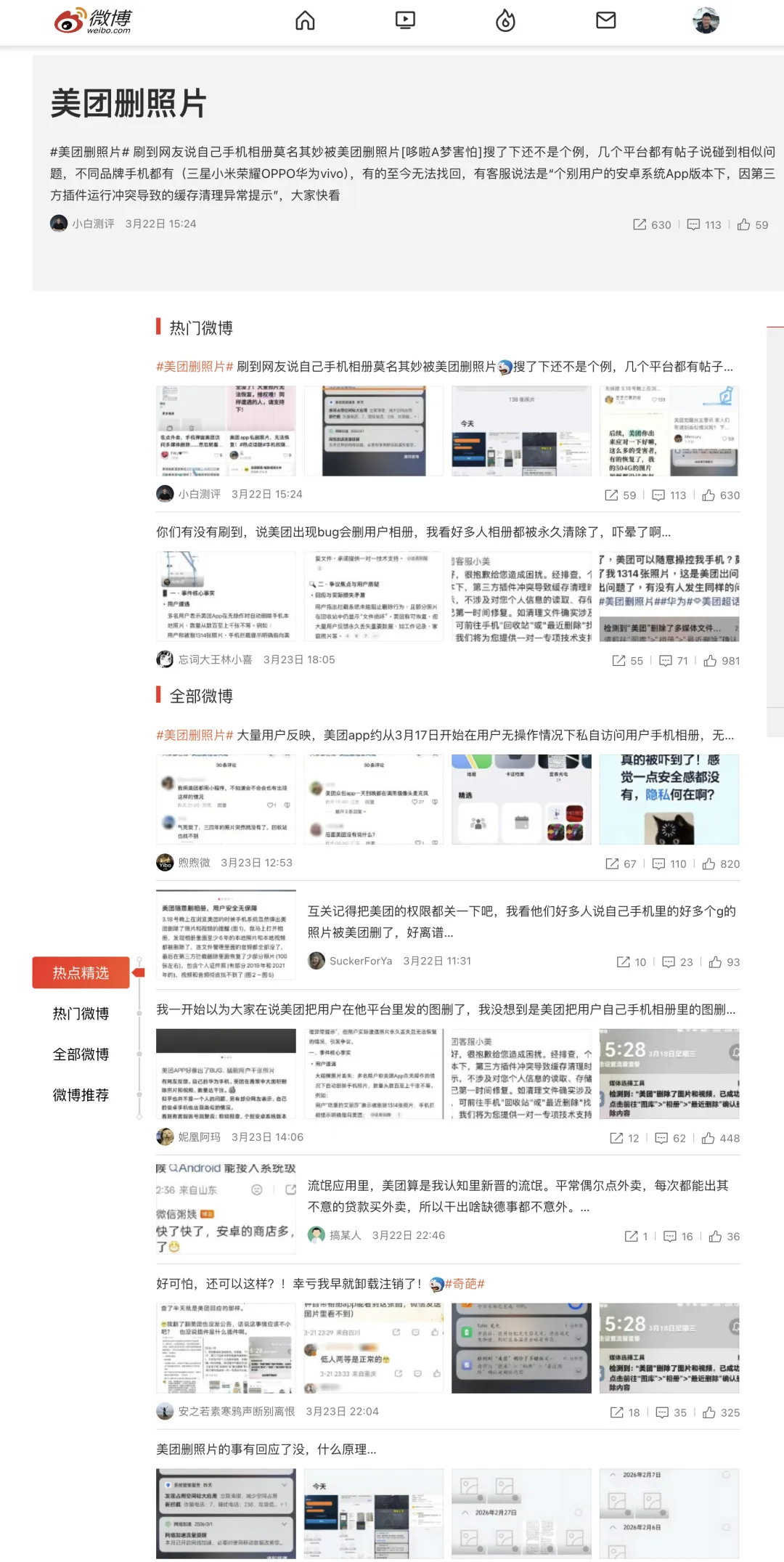
Soon #MeituanDeletedPhotos# was trending on Weibo.
Meituan then published an explanation and blamed the incident on a “third-party plugin conflict.”
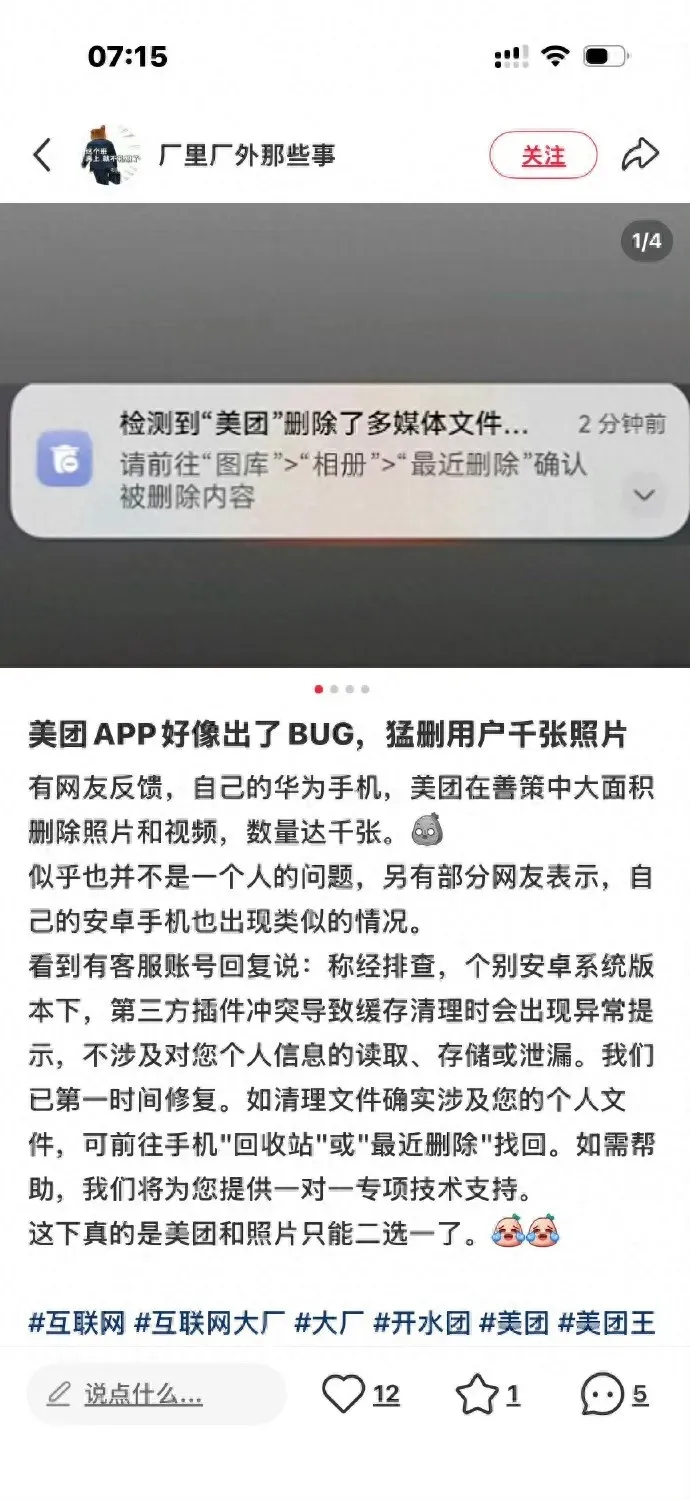
Its customer service response pointed to this article: “Meituan customer service responds to deletion of photos and data on users’ phones: fixed immediately, no reading, storage, or leakage of personal information involved”
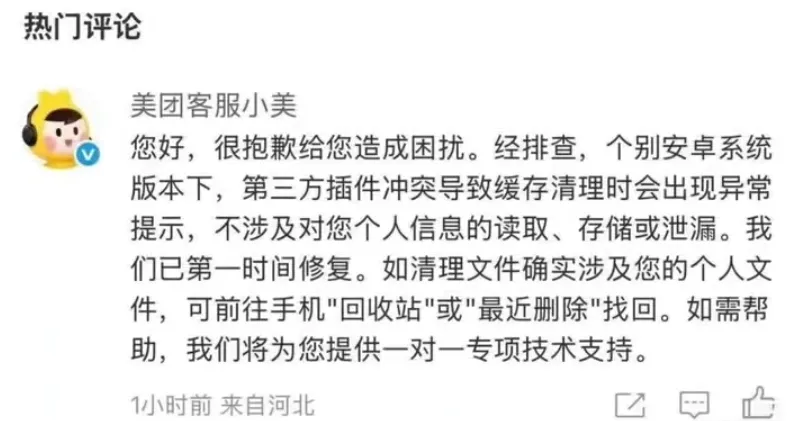
“On some Android versions, a third-party plugin conflict caused abnormal prompts during cache cleanup. This did not involve reading, storing, or leaking personal information.”
The real problem with that statement is that it tries to frame an obvious permissions incident as a harmless UI glitch.
1. “A Third-Party Plugin Did It”?#
Blaming a “third-party plugin conflict” is slippery nonsense. Whether the deletion was triggered by Meituan’s own code or by an SDK embedded inside it, the app requesting storage permissions was still Meituan, and the process performing the deletion was still Meituan.
If the plugin did it, the app owner is still responsible.
The “cache cleanup” explanation also fails technically.
App cache usually lives under /sdcard/Android/data/com.meituan/.
User photos typically live under /sdcard/DCIM/ and /sdcard/Pictures/.
Those are not even close.
If user media was deleted, then either the path logic was catastrophically wrong, or the app directly invoked the system media deletion APIs. Either way, this is a code-level incident, not something you wave away with the phrase “plugin conflict.”
If the bug came from an SDK, then integration testing and permission isolation were not done properly. If it came from Meituan’s own code, the explanation gets even thinner.
2. Why Could Meituan Delete Your Photos at All?#
Google solved this problem years ago.
Android 10 introduced Scoped Storage. If an app wants to delete a file it did not create, the system is supposed to prompt the user for confirmation. Android 11 added batch deletion confirmation. The correct path has existed for a while.
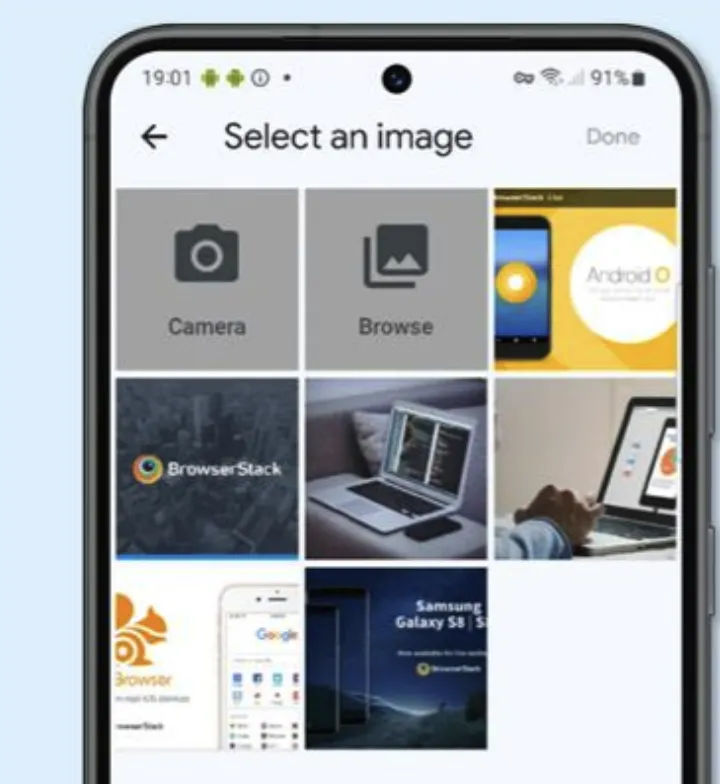
Then Android 13 introduced the Photo Picker. Apps can ask the system picker for specific photos instead of requesting broad storage access. The app only gets access to what the user explicitly selects.
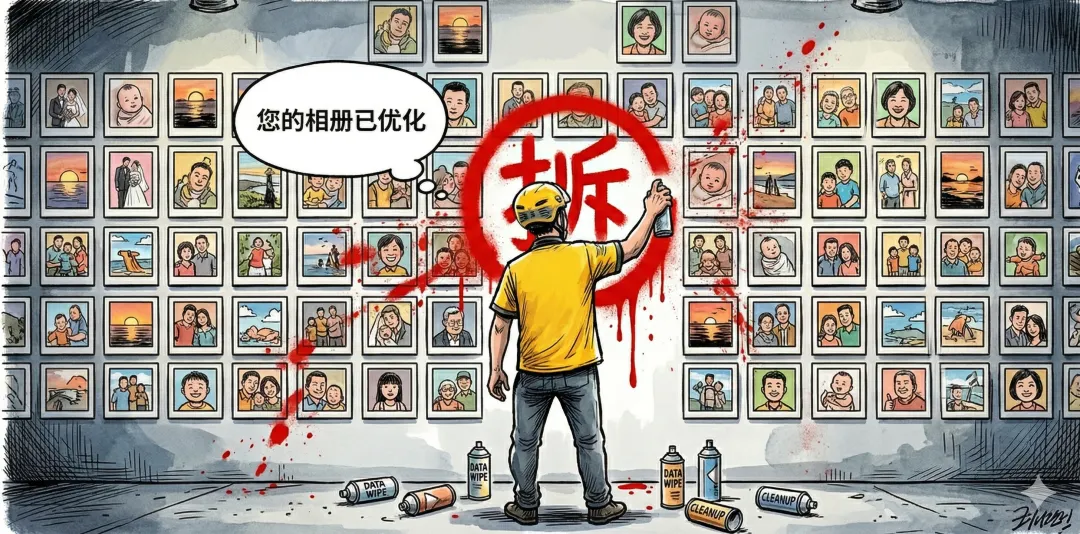
In other words, if Meituan had used Android 13’s Photo Picker for something like “upload a photo with your review,” it would not have needed broad media access in the first place. And without broad access, it would not have been able to wipe user galleries.
So why did this still happen?
Because Chinese Android apps often do not follow that path. They prefer broad legacy storage permissions, or equivalent mechanisms that effectively grant read, write, and delete access to all external media.
Google Play has been tightening abuse of these permissions for years, and many scenarios now require developers to use Photo Picker instead. But many Chinese apps are not distributed primarily through Google Play, and local app stores do not enforce the same guardrails.
So this is not really an Android problem. Google provided the technical answer. The real problem is that in the Chinese Android ecosystem, those constraints are often not taken seriously. Photo Picker exists, but major apps do not use it. Permission boundaries exist, but app stores do not enforce them.
Compare this with iOS. Since iOS 14, users have been able to grant apps access to selected photos instead of the entire library. Yes, it is a little less convenient. I would still take that inconvenience over handing full life-and-death control of my photo library to a food delivery app.
3. Worse Than “Privacy Leakage”#
If your data leaks, at least the data still exists. This is worse: data destruction.
Hundreds of gigabytes of photos can vanish, and once files are corrupted or overwritten, recovery may be impossible.
For most people, the photo library on their phone is probably one of the most important datasets they own. Weddings, children, family, travel: this is not the kind of data you can re-download.
And yet in today’s Android ecosystem, that data is often left exposed. Once an app gets excessive storage permissions, it has the technical ability to damage or destroy it.
I am more inclined to believe this was a bug than a malicious act. But the bug itself is not the worst part. The bug exposed the default posture of the ecosystem: Google shipped Photo Picker, major apps ignored it, app stores failed to enforce stricter rules, and users had little idea what they were actually handing over when they tapped “Allow.”
That ecosystem needs fixing.